Effective Thumbnail Design To Attract Viewers
Thumbnails are like the shop windows of the online world. When I’m scrolling through YouTube, Netflix, or my favorite blogs, it’s these little images that snag my attention and make me actually stop to see what’s inside. Nailing thumbnail design isn’t about fancy art degrees or having the most advanced design software. It’s about knowing what makes people click and using some proven tricks to give your videos, articles, or content that tempting edge.
Why Thumbnails Matter So Much
I’ve seen creators spend hours editing video content but slap on a random, blurry still as their thumbnail, then wonder why nobody’s clicking. Here’s the truth. Before anyone reads your title or description, the thumbnail is out there doing the heavy lifting. According to YouTube, over 90% of top videos use custom thumbnails, which says a lot about their impact. Great thumbnails are basically digital bait. They make viewers curious or spark a gut reaction that’s hard to ignore.
Each platform’s a little different, but the idea is the same. Thumbnails shrink your message down to the size of a postage stamp, so you want that image to talk loud, even if the sound’s off and the video is yet to play. Whether I’m creating a thumbnail for a game highlight or a tech tip, my strategy is to focus on visuals that pop and communicate the hook instantly. Consistently, the right thumbnail acts as your billboard—the image that sells your content before anyone dives into the details.
Main Ingredients of Eye-Catching Thumbnails
Not every thumbnail is going to hit the trending page, but mixing a few key elements definitely helps stack the odds in your favor. Here’s my step-by-step rundown:
- Bigger is Better for Faces and Objects: Close-up faces with expressive emotions or large, clear objects work way better than distant shots. Think surprised face, wide open eyes, big reaction—that stuff just draws attention. Even for how to videos or product reviews, I keep objects front and center and zoomed in.
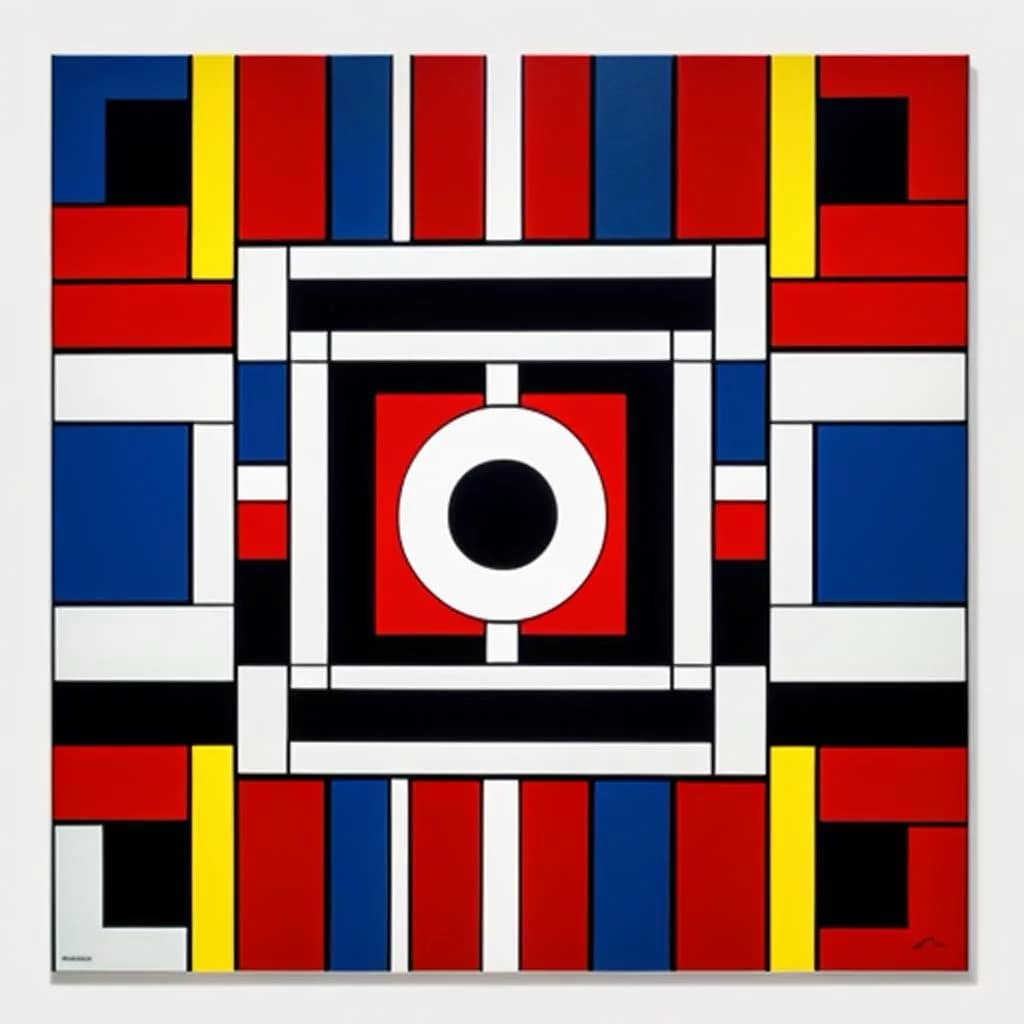
- High Contrast Colors: I like using bold, clashing colors (bright yellow against dark blue, red on white, and so on) because they don’t just look good—they stand out from all the muted and generic images that often fill a page. You really want people to spot your thumbnail even from the other side of the room.
- Clear Focal Point: The hottest thumbnails have one main thing going on, not a whole bunch of clutter. If I try to cram fifty details into the frame, most get lost. A single face, object, or focal area helps the viewer know exactly what they’re getting into.
- Readable (or No) Text: If I use text, I keep it super short and super bold: a word or two in chunky font. Anything in fancy script or with too many words just disappears, especially on mobile. My own favorite trick: test your thumbnail by shrinking it to 10% size and see if the main message still pops.
- Consistency with Branding: Using the same color palette, logo spot, or style in each thumbnail helps build my personal brand. When someone recognizes my look, I know I’m on the right track to growing a loyal audience.
Quick Tips for Next-Level Thumbnails
Once you have the basics down, you can take things up a notch with some simple but powerful tweaks:
- Use Outlines and Drop Shadows: Adding a white or black outline around people or objects can make them leap off the background, especially if the colors are similar. Drop shadows can create depth, making your thumbnail feel more polished and professional, even if you built it in a free tool or app.
- Lean on Emotion: I always shoot for an image with emotion. Absolutely jazzed, freaked out, or genuinely stoked expressions land clicks a lot faster than neutral faces. Even for product shots or food thumbnails, I amp up the drama (like making a slice of pizza look extra gooey). Throwing in just a bit of exaggeration does wonders to make your thumbnail stand out against the pack.
- Test Different Versions: I don’t always guess the winner correctly, so I try A/B testing where possible. Uploading two versions, then seeing which gets more clicks, helps a ton. Tweaking colors, angles, or zoom can all change results big time.
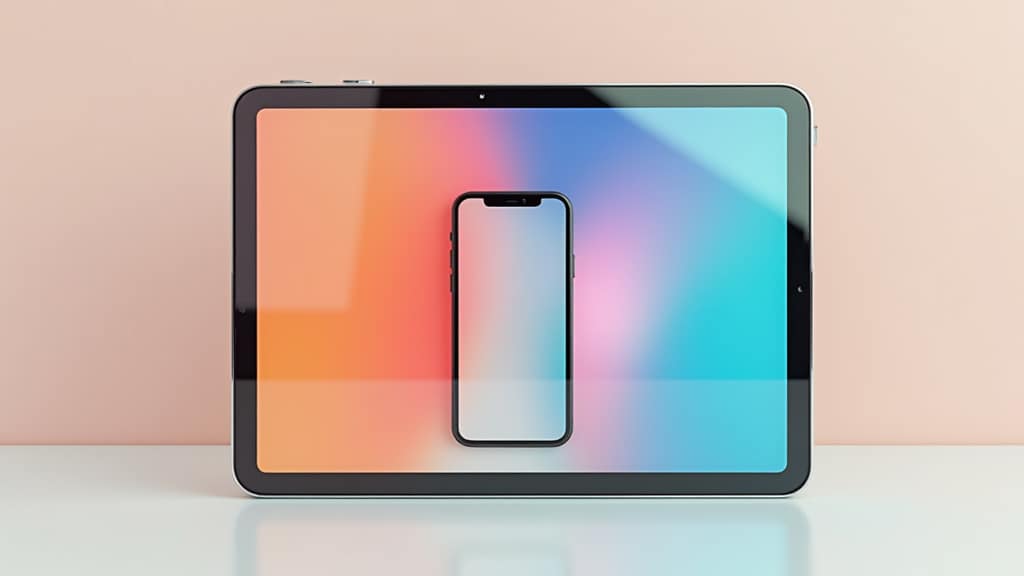
- Make it Platform Friendly: Each site is a different beast. YouTube likes 16:9, Twitch is more square, and blog thumbnails can be portrait or landscape. I always check how my design looks on various devices or platforms before posting. Taking a minute to preview my thumbnail at tiny sizes has kept me from making big mistakes.
Another tactic is using a border or stroke to frame your thumbnail. It stops it from blending into YouTube’s background or a busy search feed, making your content pop instantly. If your brand has a particular color scheme, using those same bright colors for your border can further boost recognition. Sometimes, I even include a subtle, repeating accent so viewers know at a glance it’s another video from me.
Common Thumbnail Design Mistakes
Sometimes the key to improving is knowing what to avoid. Here are some classic trip-ups I’ve made (and learned from):
- Overcrowding with Info: If I squish in multiple tiny images, loads of text, or busy backgrounds, it just looks messy and confusing. Simpler is almost always better. Think “less is more.”
- Using Bad Quality Images: Blurry, pixelated, or dull photos kill viewer interest. Always start with the highest quality pic possible, even if that means snapping one on your phone specifically for the thumbnail. These small things add up to big results.
- Forgetting Mobile Users: Most people are seeing your content on their phones. I lost a ton of clicks early on because my “cool design” was literally unreadable on a small screen. That’s why I always shrink my thumbnail down to check universal readability.
- No Link to Content: If my thumbnail promises something wild and the video delivers something else entirely, people bounce fast. Thumbnails should tease but stay truthful, or you lose trust and your retention rates suffer. That honest tease builds returning viewers, and that’s huge.
Mobile Optimization
While editing, I make a habit of shrinking my thumbnail way down to mimic a mobile screen. If I can’t recognize faces or read text when it’s tiny, I go back and amp up the contrast, text, or focal points. Remember, phone viewers make up such a huge chunk of traffic these days you can’t afford to slack on mobile-friendliness.
Color and Contrast Choices
Swapping a bland color background for something bright works wonders. I often use Canva or Photoshop to pop the saturation and shadow. Don’t be shy about making your image look a tad cartoonish. A bright blue or shocking pink behind your subject draws the eye and gets those sweet, juicy clicks. I’ve also found that framing the subject with a light or dark outline can instantly make things pop and boost click rates by adding visual separation.
Readable Text Styles
Font is a game changer. I avoid all italics, scripts, and thin text because they’re unreadable on mobile. Think fat, chunky, bold letters—the kind you’d see on a street sign. If you’re stuck, the classic “Impact” font still works for a reason! Sometimes, adding a background block or shadow behind text can up legibility without crowding the image.
Tools I Use for Quick, Great Thumbnails
I’m not a Photoshop purist. Sometimes I’ll whip up a thumbnail in Canva or even the free Adobe Express. Here’s a quick list of tools I reach for:
- Canva: Tons of templates for beginners and quick drag and drop edits. Its webbased interface makes it a go-to for anyone starting out.
- Photoshop: Great for deeper customization, outlines, and making elements really pop. Use it if you want to get into the nitty gritty of your design.
- Snappa: Handy for social media graphics. It has templates made for YouTube, Facebook, and more, letting you size images perfectly every time.
- Figma: For those who prefer a webbased platform and want to team up with others. Figma’s collaboration options are top notch for groups.
- Mobile Apps: Phonto and Pixlr are both worth checking out if you’re designing straight from your phone. On the move, you can put together something eye catching in no time.
Designpop, an amazing Ai Image Studio
Real World Examples I Keep Seeing
- Gaming Channels: Thumbnails with shocked faces, bright laser beam effects, or oversized game icons. Think about MrBeast’s zany style; the dude knows how to draw you in!
- Tutorials: Clear before/after shots, or big readable text like “How To Edit FAST.” Clean, bold, and instantly tells you what’s inside.
- Food Vlogs: Zoomed in, droolworthy food shots with gooey cheese pulls or perfectly staged cooking messes. I sometimes add a little shine or steam with digital effects for next-level cool.
Beyond those, you often see travel vlogs sporting stunning landscape shots with a solo subject, or news channels using short, punchy headlines and a splitimage effect to summarize breaking stories for instant impact. Keeping tabs on trends like arrows, circles, and dramatic zooms can also give your thumbnails modern appeal. Track down channels in your niche and look for what jumps—chances are, those techniques will work for your own designs.
Frequently Asked Questions
Question: How do I make a thumbnail that stands out in a crowded feed?
Answer: Stick to high contrast, big visuals, and avoid busy backgrounds. Bold colors or reactions always scream for attention!
Question: Is it ok to use clickbait in my thumbnail?
Answer: Tease, but don’t lie. Build up the excitement without overpromising. If you trick people, they won’t stick around for long.
Question: My thumbnails look good on desktop but flop on mobile. What am I missing?
Answer: Test your design by shrinking it to mobile size before publishing, and make sure faces, objects, and text are still clear and legible. Simple, bold, and clear always wins on small screens.
Wrapping Up with The Real Secret to Better Thumbnails
Strong thumbnails are about grabbing attention and getting people curious enough to click. Even if you’re not a design pro, using a few color tricks, strong visuals, and smart layout choices can totally transform your results. I’ve seen channels double their views by just giving their thumbnails a little TLC. Don’t be afraid to experiment. Treat each video or post as a chance to try something new, track what works, and stay true to your own style. Once you’re in the thumbnail game, bland and boring will be a thing of the past, and those clicks will keep rolling in.
Check the creative powerhouse and clickbaitstory hub
CBStoryHub™ GP
Whimsical storyteller for absurd, engaging stories.