How To Choose The Right Memory Card For Your Vlogging Camera
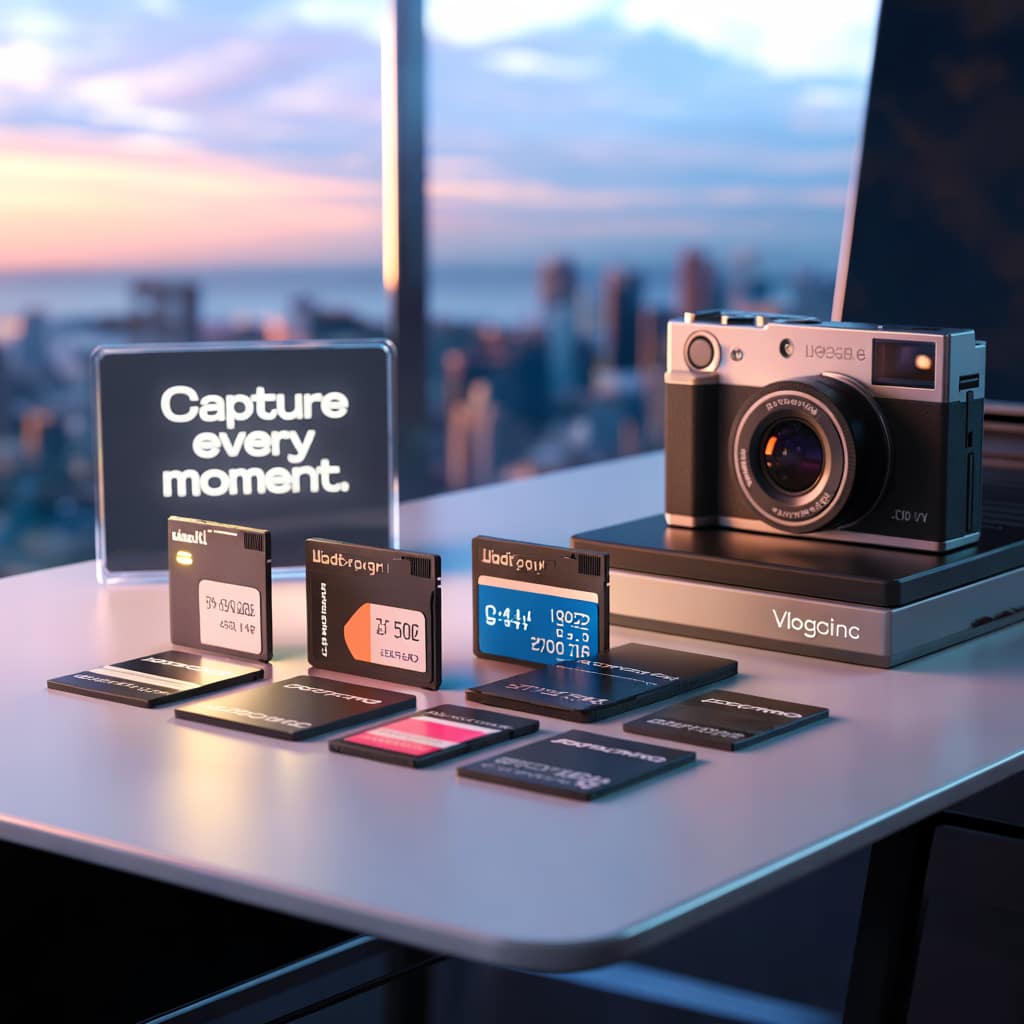
When you’re setting out to find the perfect memory card for your vlogging camera, understanding the different types of cards available is the first step. You’ve got options like SD cards, microSD, and CompactFlash (CF) cards. It’s important because each has its unique specs and compatibility with different cameras.
Key terms might seem like jargon at first, but they’re crucial in making an informed decision. Terms like capacity, speed class, UHS (Ultra High Speed), and video speed classes such as V30, V60, or V90 come into play. These terms not only tell you how much data a card can hold but also how fast it can read and write data, which affects video recording quality.
The size of the memory card you need depends significantly on the quality of videos you’re shooting. Higher resolution videos like 4K require more storage versus standard HD videos. A larger capacity card allows longer recording times, saving you from frequent swaps during shooting sessions.
Choosing the correct memory card isn’t just about sticking one in your camera. It directly affects your vlogging experience and production quality. A faster card can mean smoother video capture with fewer dropped frames or lag. So, knowing what each memory card type offers can give you an edge in making the right choice for your vlogs.
Assess Your Vlogging Needs
When choosing a memory card, understanding your specific vlogging needs is crucial. The type of content you plan to create significantly impacts your choice. For instance, short clips might not demand the same storage and speed capabilities as longer, high-resolution episodes.
The camera you’re using has specific requirements that need considering. Always check your camera’s specs to identify what types of memory cards it supports. This step avoids unnecessary hassles during recording when compatibility issues arise.
Your decision also ties into the video resolution you aim to produce. If you’re shooting in 4K, you need a card that can handle large amounts of data quickly. On the other hand, if full HD is where you’re at, you may not require the fastest card, which can save you some money.
Think about how often you plan to swap cards. Are you in it for long-form content that needs more storage or frequent transitions? Knowing this will guide you to decide between getting a few high-capacity cards or several smaller ones that you easily interchange.
Compare Speed Class and Performance
Speed class ratings on memory cards provide essential information about how fast data can be written to the card, crucial for video recording. These ratings are often labeled as Class 10, UHS-I, or UHS-II, each indicating different writing speeds.
The speed of your memory card directly influences its performance during recording and editing. Cards with higher speeds allow for smooth video captures and help with uninterrupted shooting. This becomes especially important when filming in high resolutions or requiring continuous shooting for things like sports or action shots.
Different speed classes such as U3, V30, or V60 are benchmarks to determine if the card is suitable for recording specific video formats like 4K or slow-motion. For example, a V30 card is suitable for 4K recording, ensuring the video capture doesn’t stutter or miss frames.
Be cautious about advertised speeds versus actual performance. In some cases, cards might not perform up to par with their marketed specifications. Reading independent reviews or consulting vlogging communities can provide realistic insights into how a card performs under regular conditions.
Ensure Compatibility with Devices
Ensuring the memory card you choose is compatible with your camera and other devices is just as important as any other factor. Using a card that matches your camera’s requirements prevents potential hiccups during crucial moments of recording.
Often, memory cards also need to be compatible with other gadgets, like your computer or additional recording equipment. This makes it necessary to have adaptable card readers or adapters, which help facilitate easy file transfers between different devices. For instance, a microSD card with an adapter can be used in slots that only accept full-sized SD cards.
Being aware of brand-specific cards can save you a lot of headaches. Some brands have their cards designed to work optimally with their products and may not function as well with others.
For those using multiple devices to create content, keeping a standard for card types you purchase can be a huge time-saver. It’s wise to avoid juggling too many card formats, as keeping everything universal within your gear simplifies the work process.
Make A Budget-Friendly Choice
Balancing cost and performance is key, whether you’re a hobbyist or a professional vlogger. You want to make sure you get a reliable memory card without overspending on unnecessary features.
Exploring brands known for their dependability can guide you toward trustworthy options. Companies with established reputations often deliver on quality, making them a safer choice when investing in memory cards.
Reading both consumer and expert reviews helps to distinguish hype from reality. Genuine feedback can provide insights into the day-to-day performance of the cards and any potential issues you might encounter.
When should you splurge versus save? If your vlogging involves high-resolution, continuous shooting, a higher investment in speed and capacity is often justified. However, for simpler projects with standard resolutions, affordable options could be more than sufficient.